Andruav
Two Android phones. No other gear. One rides on your drone or RC vehicle, the other stays in your hand — and together they give you unlimited-range telemetry, live HD FPV video, and a direct line into Mission Planner. Andruav has been rebuilt from the ground up for 2026: modern Android support, a reworked video pipeline, and a new dark interface.
Tip
Download Andruav on Google Play.
Two Phones. That’s It.
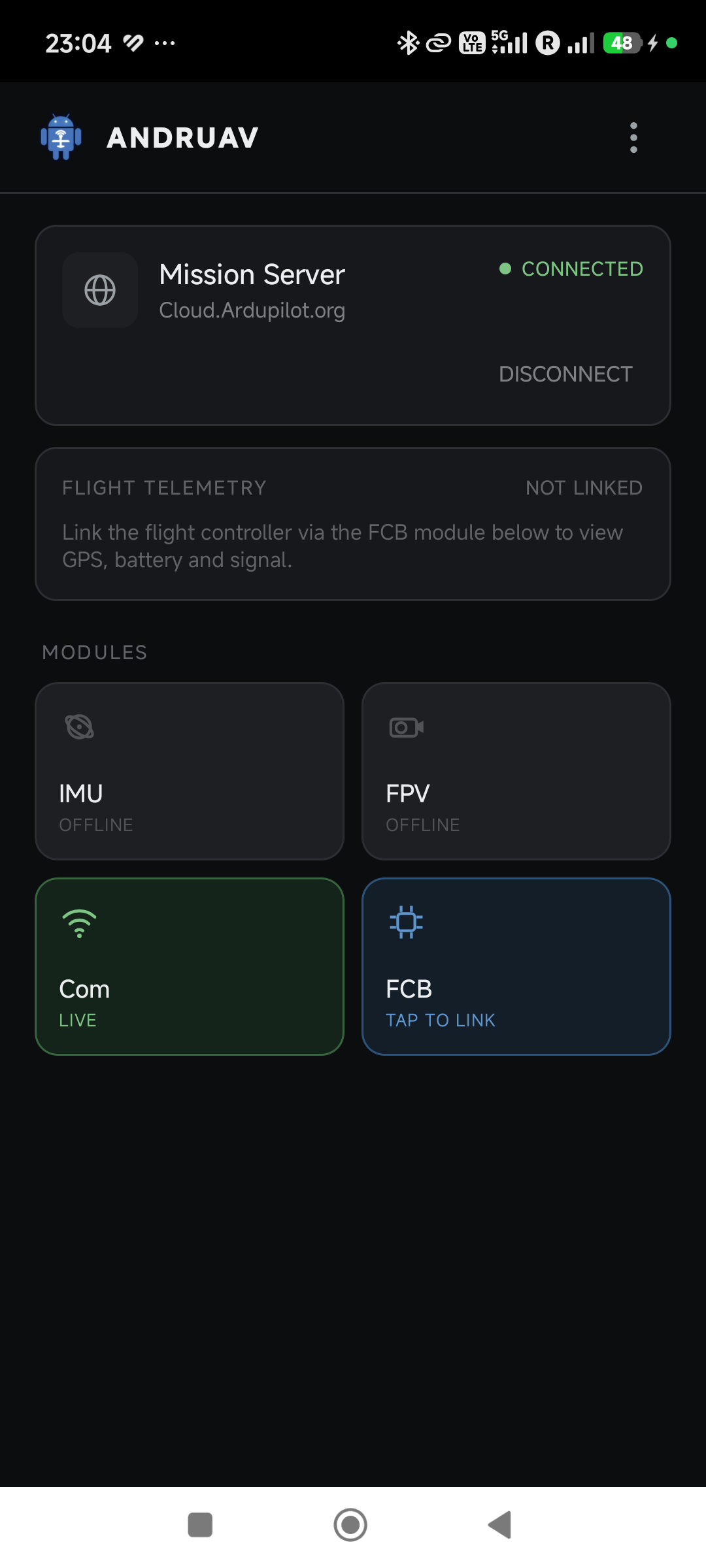
Mount one Android phone on your drone or RC vehicle running Andruav. That’s your companion computer — it talks to your ArduPilot flight controller and to the cloud over WiFi or 3G/4G/5G, so range stops being limited by your radio.
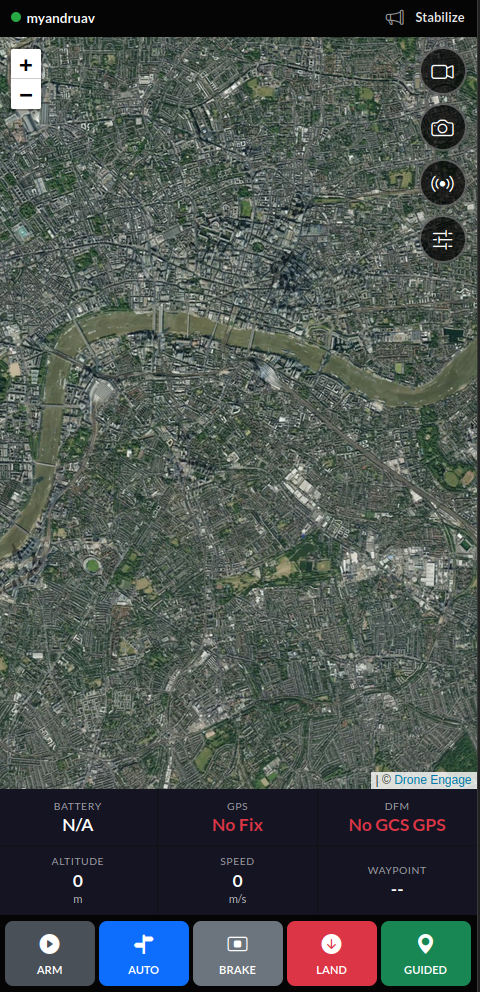
Your second phone is the ground station. Install Andruav on it too, or skip the install entirely and open the WebClient — Mobile View in any mobile browser — a phone-sized live view with map, flight controls, FPV, and unit status, ready in one tap. See WebClient for the full browser-based ground station.
See What Your Drone Sees
Andruav turns your drone-side phone’s camera into an FPV feed — no analog gear, no extra antennas. Stream it to multiple ground stations at once, in different places in the world, all watching the same flight live.
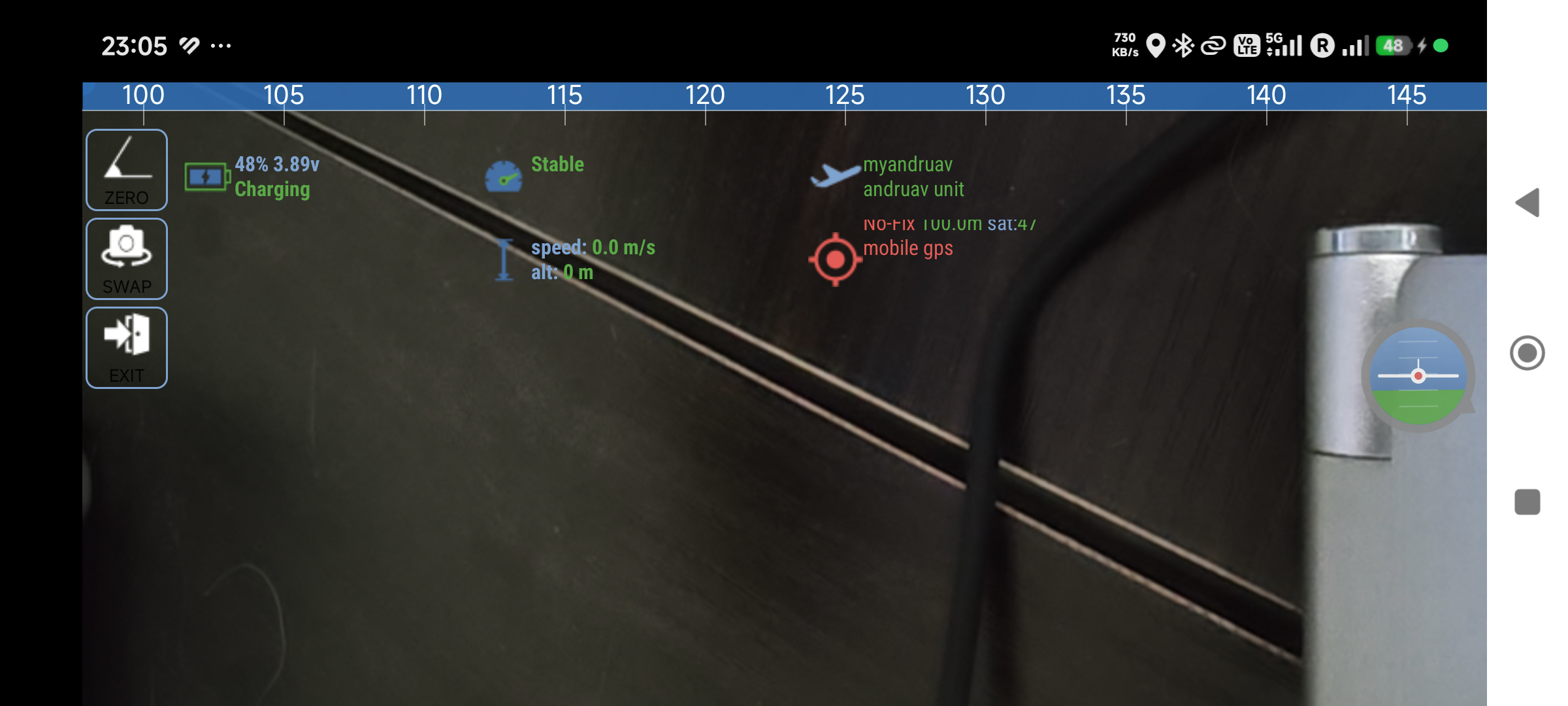
Zoom, flash, and front/rear camera switching mid-flight
Picture-in-picture — the feed keeps streaming while you use the rest of the app
Local and remote recording, with GPS-tagged snapshots plotted on a map
Full detail in Andruav FPV
Plays Nice With Mission Planner
Andruav isn’t a closed box. Its built-in UDP proxy forwards live telemetry straight into Mission Planner or QGroundControl over UDPCI — configure it once from the phone or the web client and fly with the GCS you already know. It’s the same link that carried radio control input for a demo drive between Cairo and Los Angeles: 12,193 km, controller in one city, car moving in the other. See Andruav Telemetry and Web UDP Telemetry.
Connect Your Flight Controller
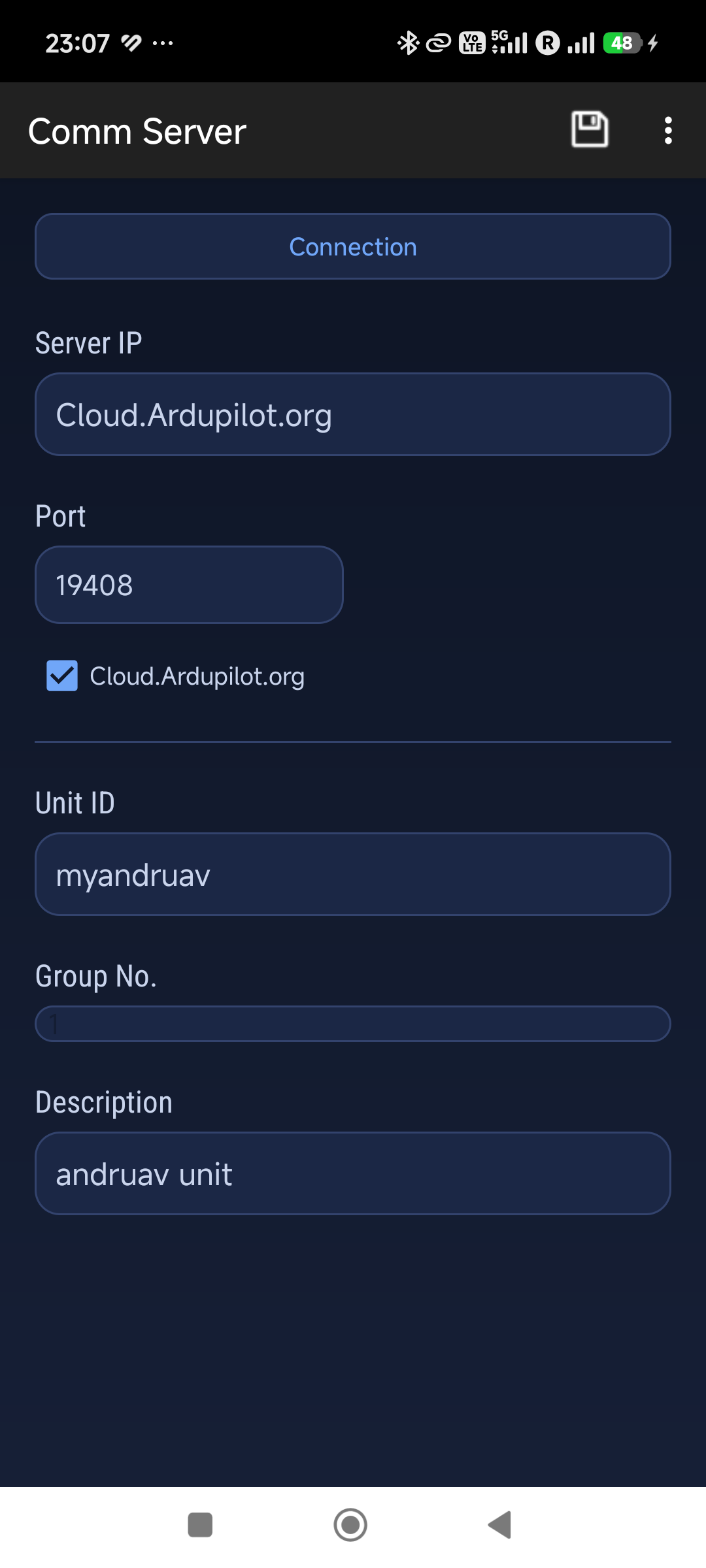
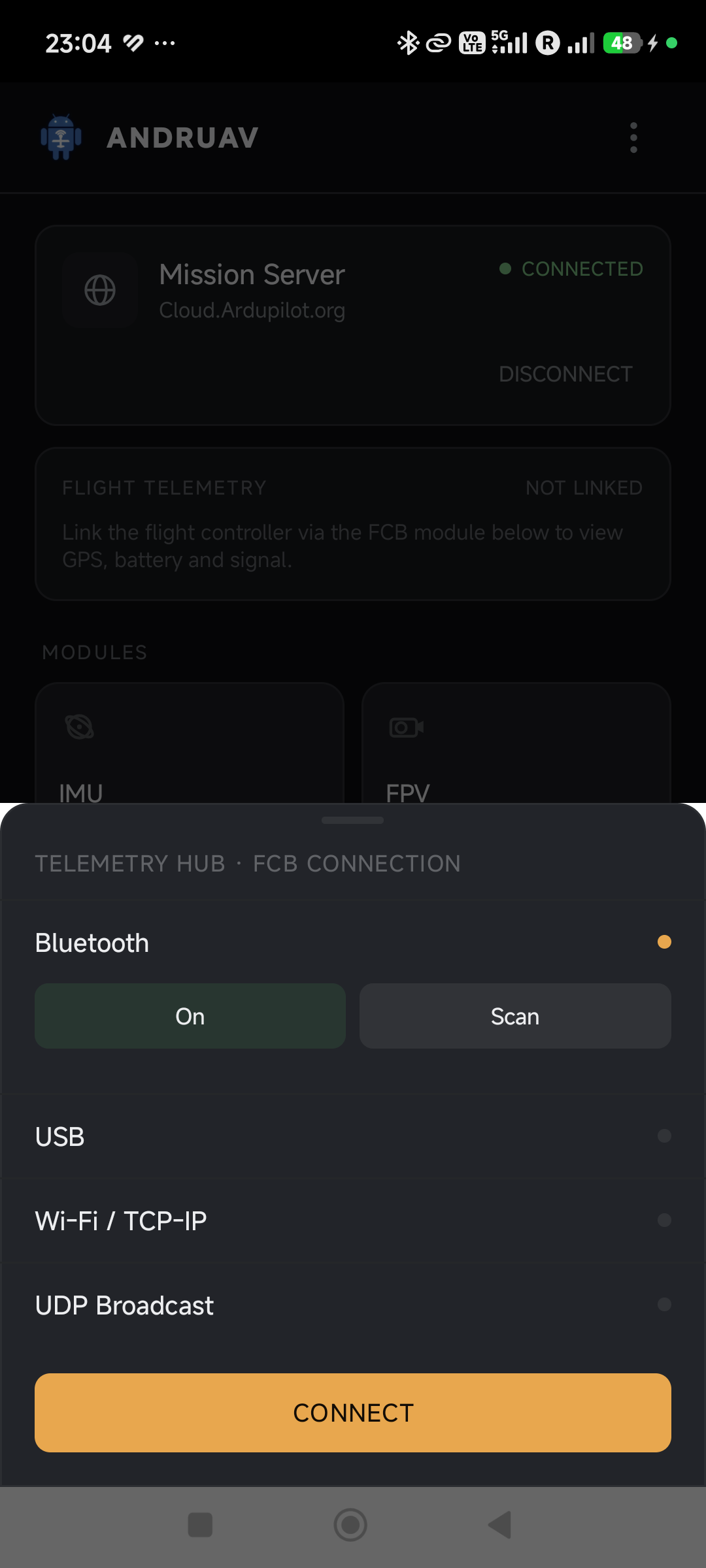
Bluetooth, USB, WiFi, or UDP — Andruav links to your ArduPilot board however your build is wired.
Get Started
Create a free account and get your access code — see Andruav Getting Started.
Mount the drone-side phone, pair your flight controller, and you’re airborne.
For Developers
Andruav is part of the Ardupilot Cloud EcoSystem and its source is public. For an AI-generated, always-current tour of the codebase, see the DeepWiki pages for DroneEngage and the Andruav Android app.