WebClient — Mobile View
A phone-sized ground station that needs no install. Open cloud.ardupilot.org:8001/mobile in any mobile browser, log in with your account and access code, and you get live map, video, and flight controls sized for a phone screen — the same account and units as the full WebClient.
Map, Status & Flight Controls
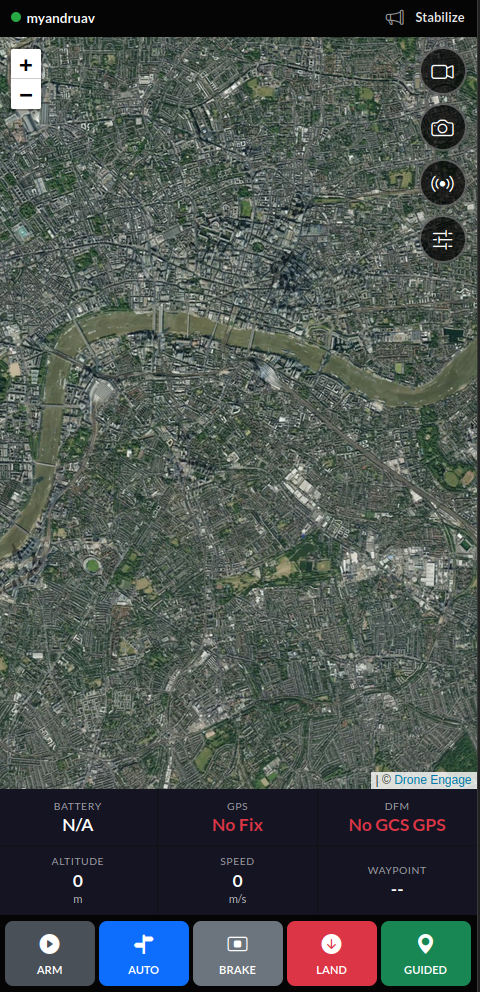
Status bar with unit selector, signal info, and a speech enable/disable toggle
Live map with GPS, battery, DFM, altitude, speed, and waypoint readouts
ARM / AUTO / BRAKE / LAND / GUIDED flight mode buttons
FPV image viewer with Fit / Contain modes, rotation, and one-tap image save
Camera dialog with GCS image size toggle and timed capture controls
Smart Telemetry — UDP Forwarding to Mission Planner
The same UDP proxy used on the full WebClient is one tap away here too, useful when you’re setting up a Mission Planner link from your phone instead of a laptop.
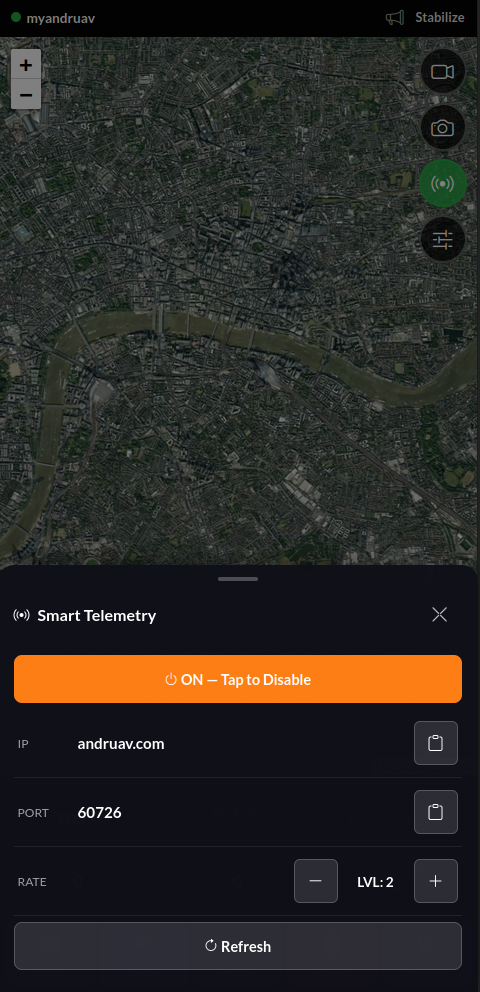
Tap the Smart Telemetry icon, enable it, and copy the IP/port it gives you into Mission Planner’s UDPCI connection. Full detail, including rate levels, in Web UDP Telemetry.
See it in a full setup: Andruav + Mission Planner over 4G/5G, with Live Video walks through pairing this with Andruav over 4G/5G, end to end.