DroneEngage Hardware Requirements
Requirements
Essential:
Raspberry Pi (Zero W, Zero 2 W, 3, 4, or 5)
4G/LTE USB modem or HAT for internet connectivity
Ardupilot or PX4 flight controller
DroneEngage account and Access Code from cloud.ardupilot.org
Optional:
Camera(s) connected to the Raspberry Pi
Xbox/PlayStation controller for remote piloting
Note
Need just a phone instead of a Raspberry Pi? See Andruav, DroneEngage’s Android-based sibling product.
Hardware Examples
DroneEngage runs on various Raspberry Pi boards, from the tiny RPI-Zero for telemetry-only setups to the powerful RPI-4 for multi-camera streaming.
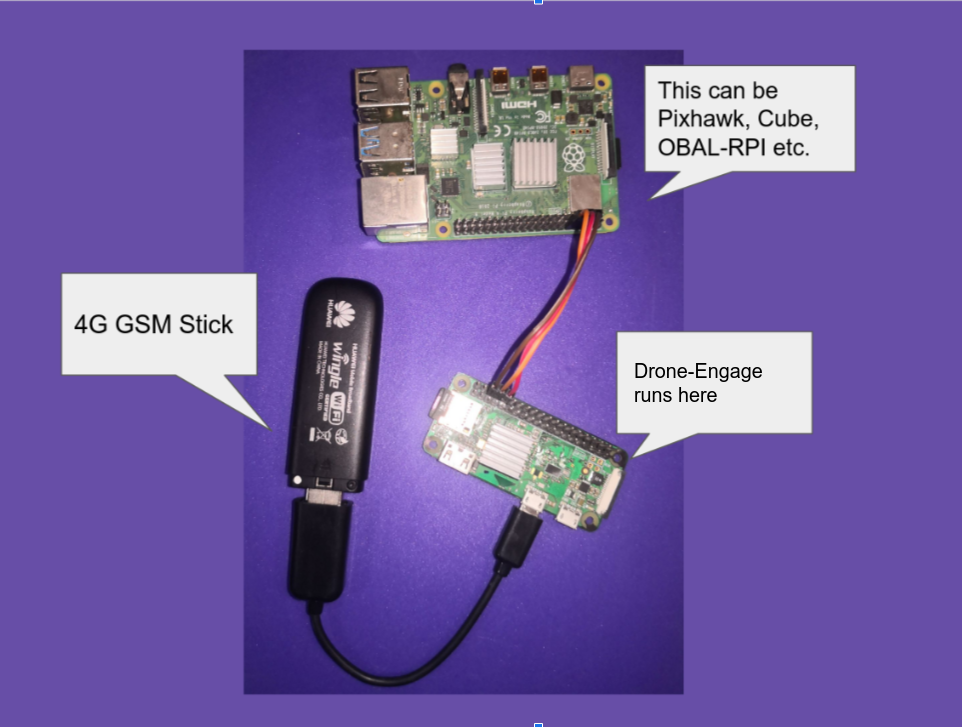
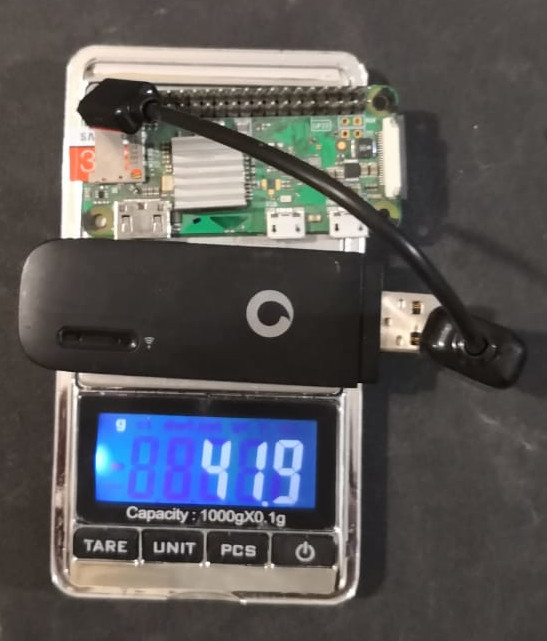
Lightweight Setup (Telemetry Only)
The RPI-Zero setup weighs only 42 grams (1.48 oz) - everything needed for full drone control from anywhere.
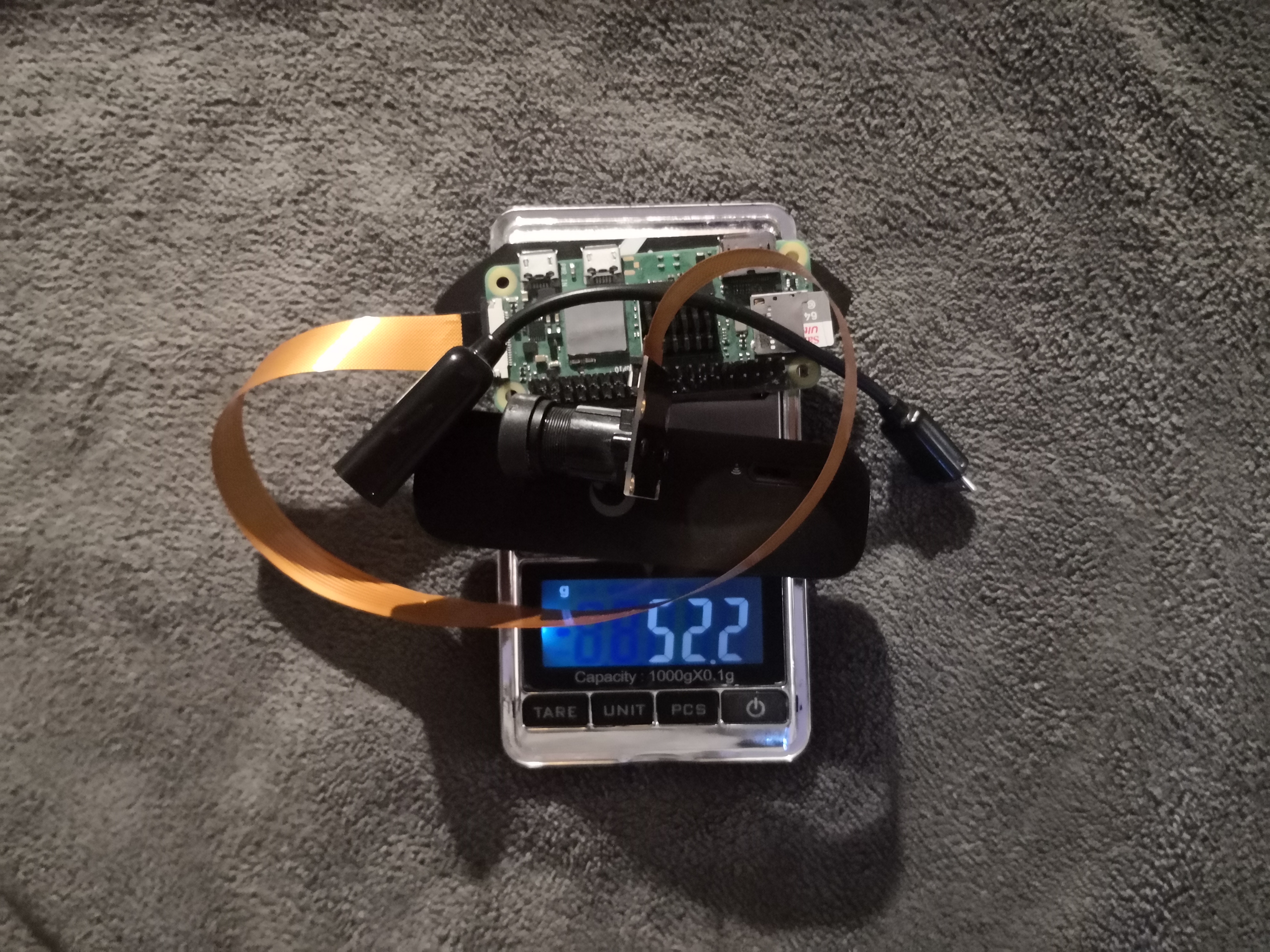
Video Streaming Setup
For video streaming, use the Raspberry Pi Zero 2 W at only 52.2g (1.84 oz) including camera and OTG cable. For multiple cameras, use the RPI-4.
A Raspberry Pi board with internet connectivity is required. Supported models include the Raspberry Pi 2, 3, 4, and Zero/Zero 2. The chosen model influences system capabilities. The Raspberry Pi 4 is recommended for applications requiring multi-camera video streaming, enabling simultaneous streaming from multiple connected cameras.
For telemetry-only applications, the Raspberry Pi Zero is a suitable choice.
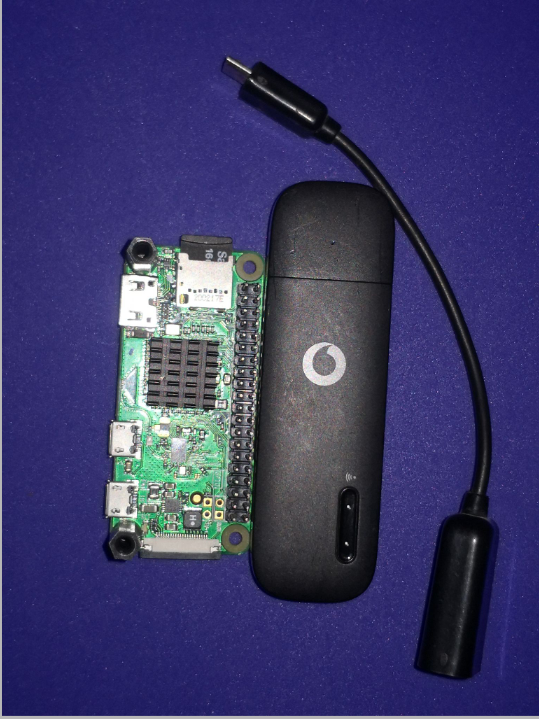
Internet connectivity can be established via a USB 4G/LTE data stick or a HAT incorporating a 4G, LTE, or 5G modem.
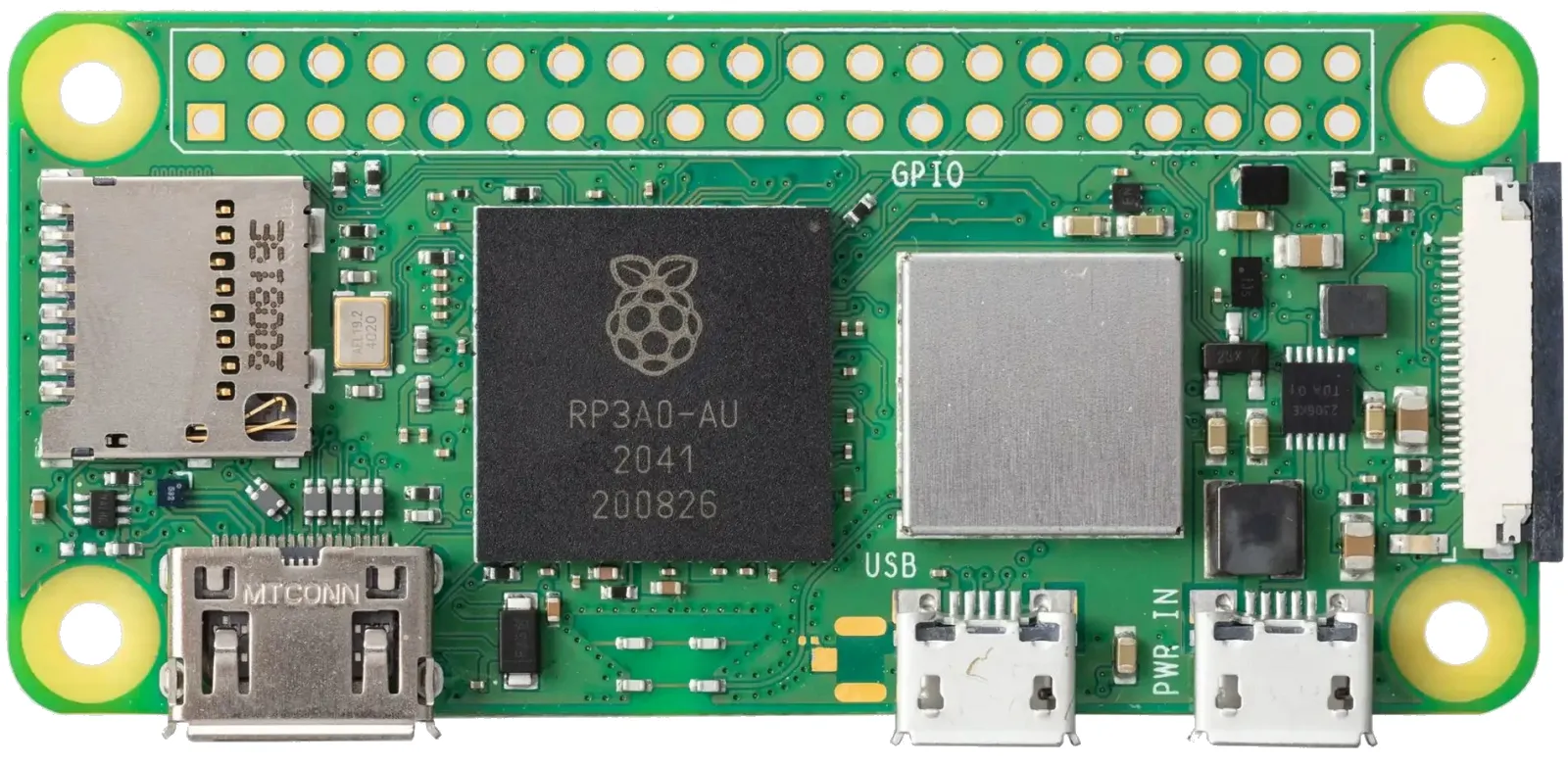
The Raspberry-PI Zero 2 W , released in late 2021, offers a quad-core processor and a five-fold performance increase compared to the Raspberry Pi Zero W. This model is ideal for single-camera FPV applications, offering a balance of performance, power efficiency, and weight. For multi-camera setups and future expansion with more complex modules, the Raspberry Pi 4 remains the recommended option.
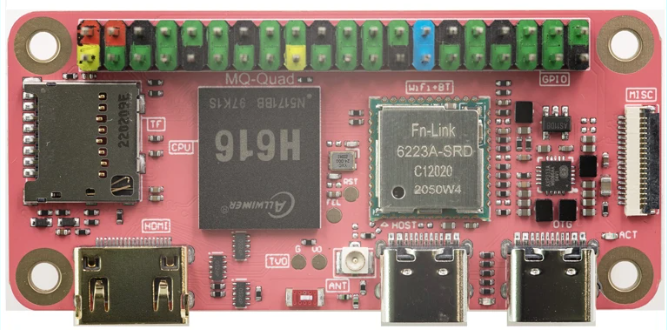
The Mangopi MQ-Quad MCore H616 (https://mangopi.org/h616/) presents a competitive alternative to the Raspberry Pi Zero 2 W, offering comparable performance at a potentially lower cost and improved availability.
Warning
The Mango MQ-Quad MCore H618 is not supported due to the absence of a Linux image. Ensure the H616 (https://mangopi.org/h616/) model is selected.
Tip
For optimal performance, it is recommended to use the Raspberry Pi Zero for telemetry-only functions, and the Raspberry Pi Zero 2 W or Raspberry Pi 4 for combined telemetry and video streaming.